Machines
The Machines tab is used to relate equipment to specific machines on a manufacturing plant floor. For example, you might want to associate ten pieces of equipment with a specific grinder on the floor. This is often an 'Enterprise' concept - the dialog/tab is often hidden for Commercial Lab installations.
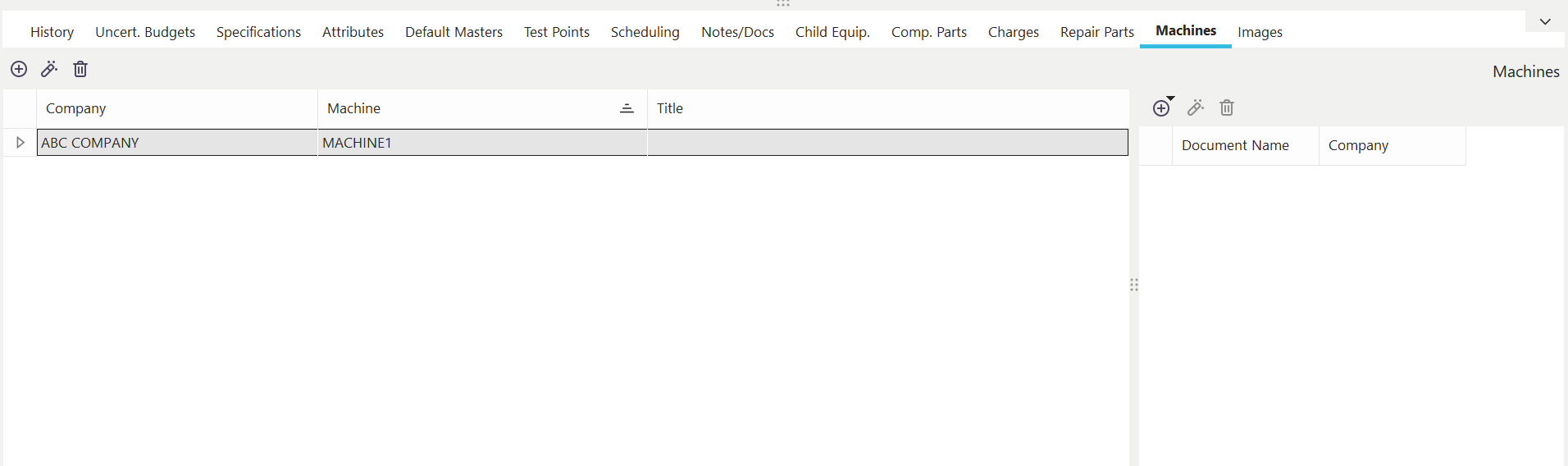
Machines Dialog/Tab
The machines associated with the current asset through this dialog/tab must come from the Add/Edit...Equipment Info...Machines wizard. Each machine association can also have an unlimited number of Supporting Documents.
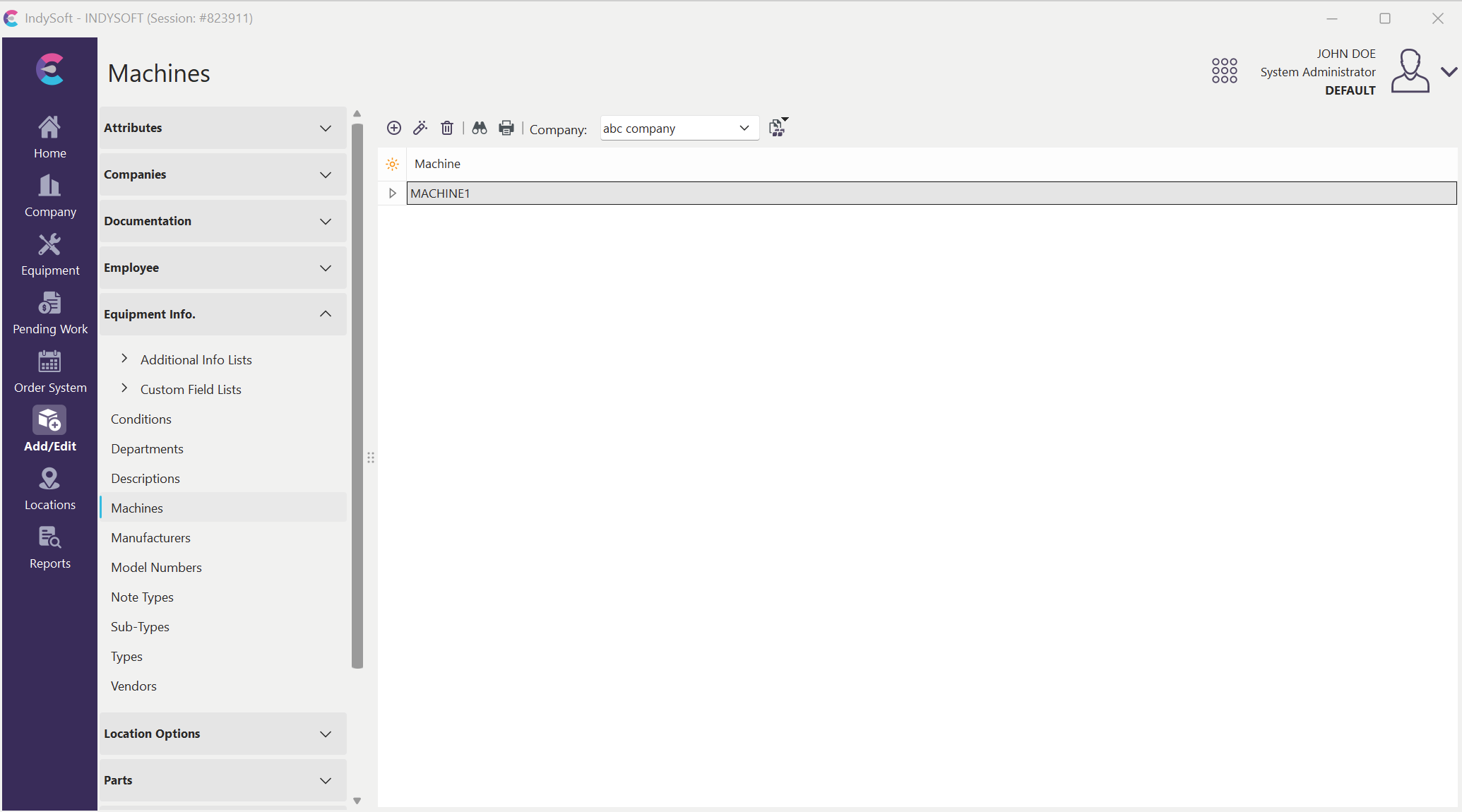
Locating Add/Edit...Equip Info...Machines
Adding/Editing/Deleting Machines
 Add New Machine
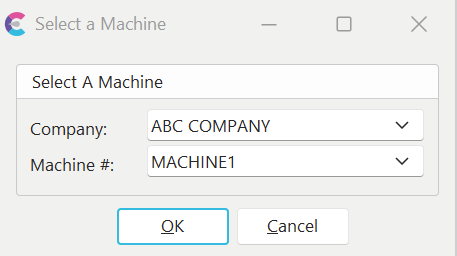
Use this button to add a new machine association for the selected asset. You will be prompted for 'Company' and 'Machine Number.'
 View Machine
Use this button to edit the selected machine association. This operation is equivalent to editing the machine record in the Add/Edit...Equipment Info...Machines wizard.
 Delete Machine
Use this button to delete the selected machine. You must confirm the deletion before proceeding. |