Studies - Accept / Change Study Results, Add Comments - Step 6 (Attribute)
Step 6
It is up to the user to determine if the Attribute Study passed or failed. Click Yes to mark the study as Pass, and No to mark it as Fail.
Any notes or comments can also be added during this step, as they are necessary.
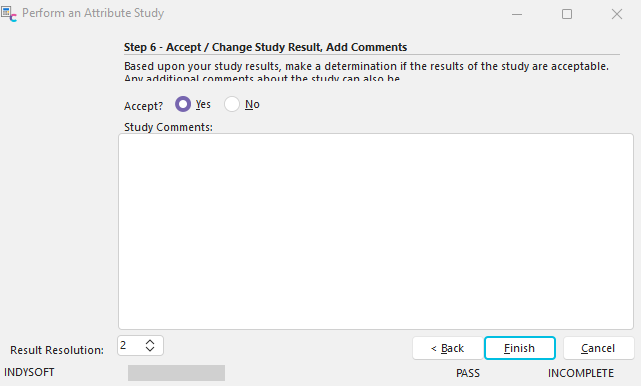
Step 6 - Accept/Change Study Result, Add Comments
Finally, if the Attribute Study has failed, then a dialog will appear:

Log Study Failure
If you select yes, you can establish a rule that associates a certain gage, or set of gages, with the company/part/characteristic used during this Attribute event. When this company/part/characteristic is selected as a 'Parts to Be Measured' item for an IndySoft event for the appropriate gage(s), an alert message will be given on the screen. You can enter a descriptive message that will appear in these instances. See the Studies- Add Logged Failure section for more information about logging a study failure. |