Employees vs Users
Users and Employees are separate lists in IndySoft that connect back to one another. Every user must have an employee association, but not every employee needs to be associated with a user. Consider the following example: If Bob Smith has recently been promoted and needs to start using IndySoft, he must be entered as a user. Bob was already entered into IndySoft within the list of employees, so all of his personal information is present. He worked for you but did not use IndySoft. Now, to allow Bob to use IndySoft, you must create a new user and tie that user account to Bob Smith from the list of employees.
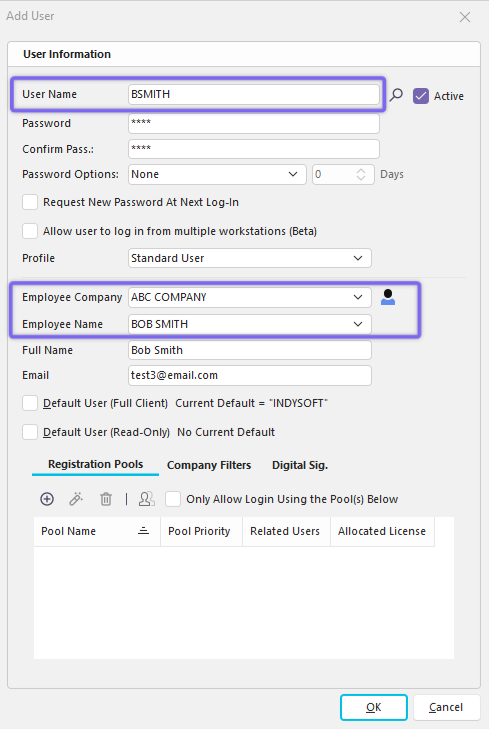
Employee List Dropdown when Adding a User
This allows you to change Bob's address if he moves in the Employee List without affecting how he logs in to IndySoft. This is especially important for a large company, where Human Resources would be responsible for maintaining employee records, while a System Administrator or Lead Supervisor would be responsible for maintaining User Accounts.
See Profile Manager for more on entering and configuring users. |