How to Add a Kit
Adding a new kit is similar to adding a new gage from the IndySoft main screen. Press the  'New Kit' button on the top of the Kitting main screen.
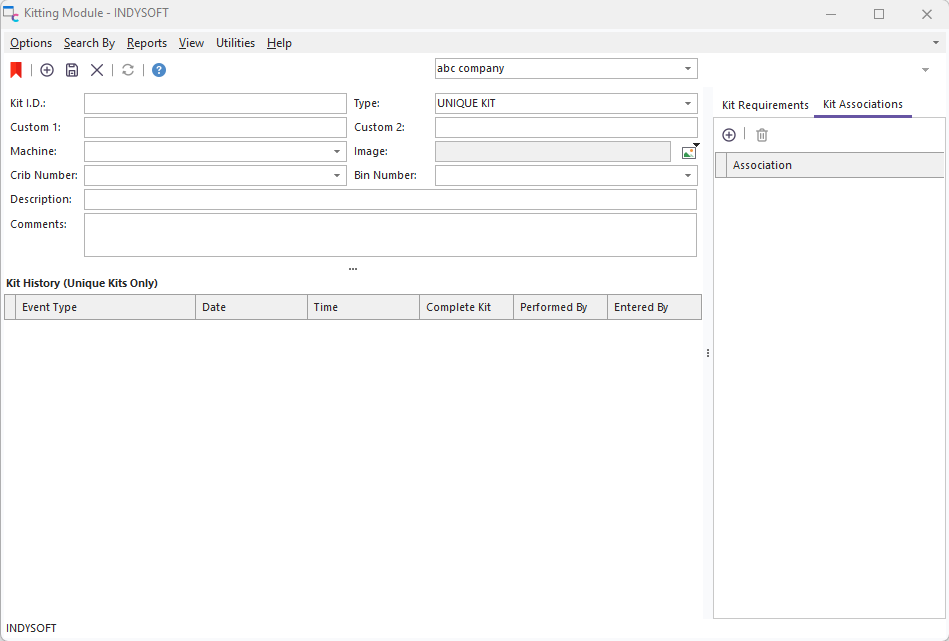
Kitting Module Main Screen - Add New Kit
After entering the appropriate Kit Info information, press the  'Save Kit' button. If you attempt to find another kit before saving changes to the current kit, you will be automatically prompted if you would like to save the current changes to the selected kit. |