Month View
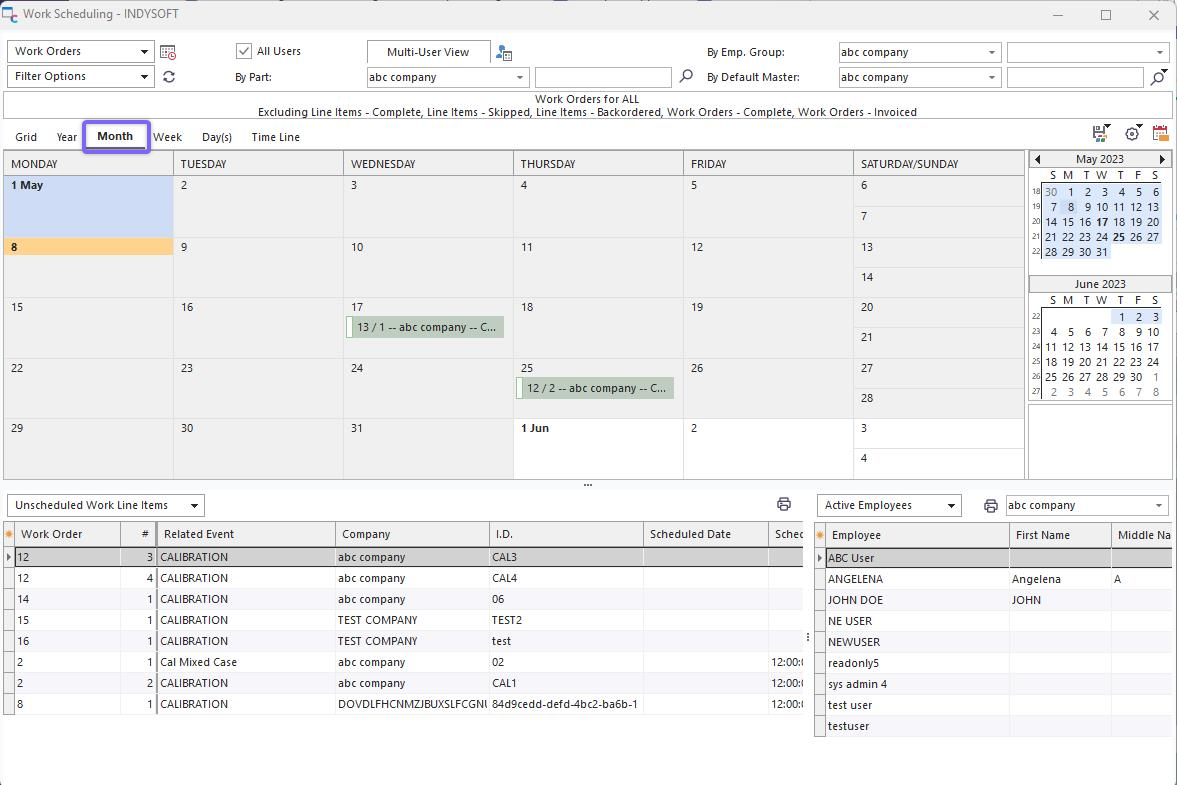
Work Scheduling Module - Month View
This view displays one month of scheduled items. Each day will show as many items as space allows. If additional items cannot be shown, then a  symbol will be displayed at the bottom of the date box. Click on this symbol to quickly move to this date and review scheduled items. Double-click on any scheduled item to edit through Scheduled Event Dialog, or use the same right-mouse click options as available in Grid View. The selected month is highlighted in the Date Navigator to the right. Use the back and next arrows to move between months quickly.
Several options are available for Month view - as set up in  menu above the scheduler:
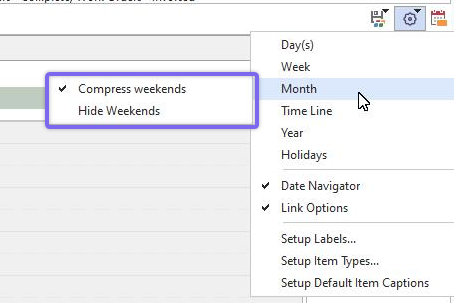
Month View Options
Compress weekends: Saturday and Sunday are shown together in one day's space.
Hide Weekends: Saturday and Sunday are hidden. |