Time Line View
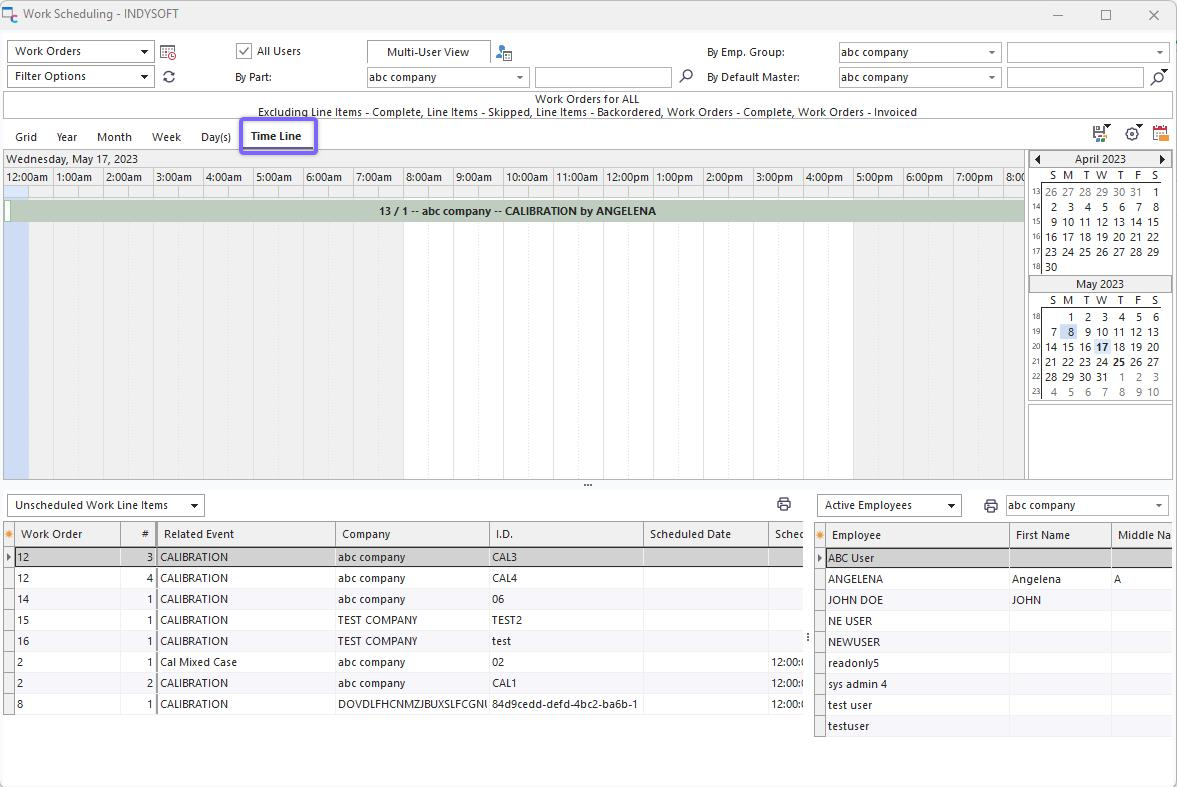
Work Scheduling Module - Time Line View
Time Line view shows all the scheduled items for a selected date, but scheduled items are shown in cascading fashion - this view is best for displaying many items scheduled at similar times on the same day. The item's width corresponds to the schedule's start/end times. Scrolling to the left or right will quickly move to the previous/next dates. Double-click on any scheduled item to edit through Scheduled Event Dialog, or use the same right-mouse click options as available in Grid View.
One option is available for Time Line view - as set up in  menu above the scheduler:
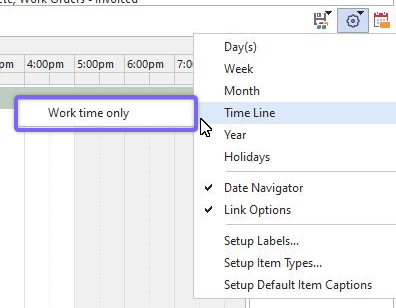
Time Line View Options
Work time only: Toggles the display of periods before/after 8 AM and 5 PM. |