Test Points - Copy/Paste Test Point Duplicator
Copy/Paste/Test Point Duplicator
 Copy (Cut)
Choosing this option will display the following dialog. If you choose Multi-Select, the rows to cut or paste will automatically be displayed for you.
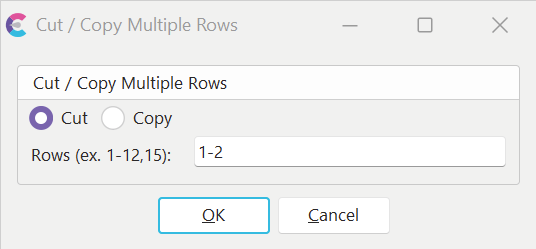
Cut / Copy Dialog
 Paste
Paste
Choosing this option will paste any test points that are in the IndySoft test point clipboard. This item is only selected when the test points are first cut or copied. The test points will always be inserted before the currently selected line. To append to test points, place your cursor 1 line after the last row before pasting.
 Test Point Duplicator
The test point duplicator duplicates the currently selected test point in the grid for the number of times referenced in the spin control on the right. If several test points are similar, with only slight differences that need to be noted, this feature might save some time when inputting test points.
 Edit Multiple Rows
This option will allow you to select multiple test points simultaneously for Copying/Cutting. You can also use this feature when editing multiple rows at one time. To turn this feature on, right-mouse click in the grid and check the 'Multi-Select' option.
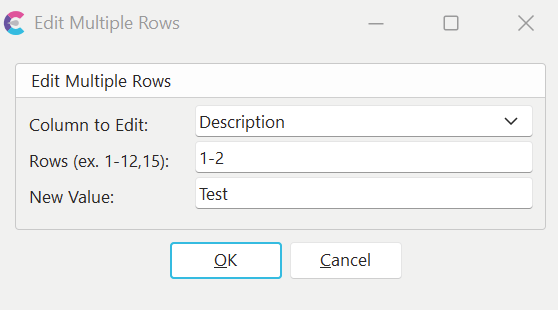
Multi-Select Option |