Year View
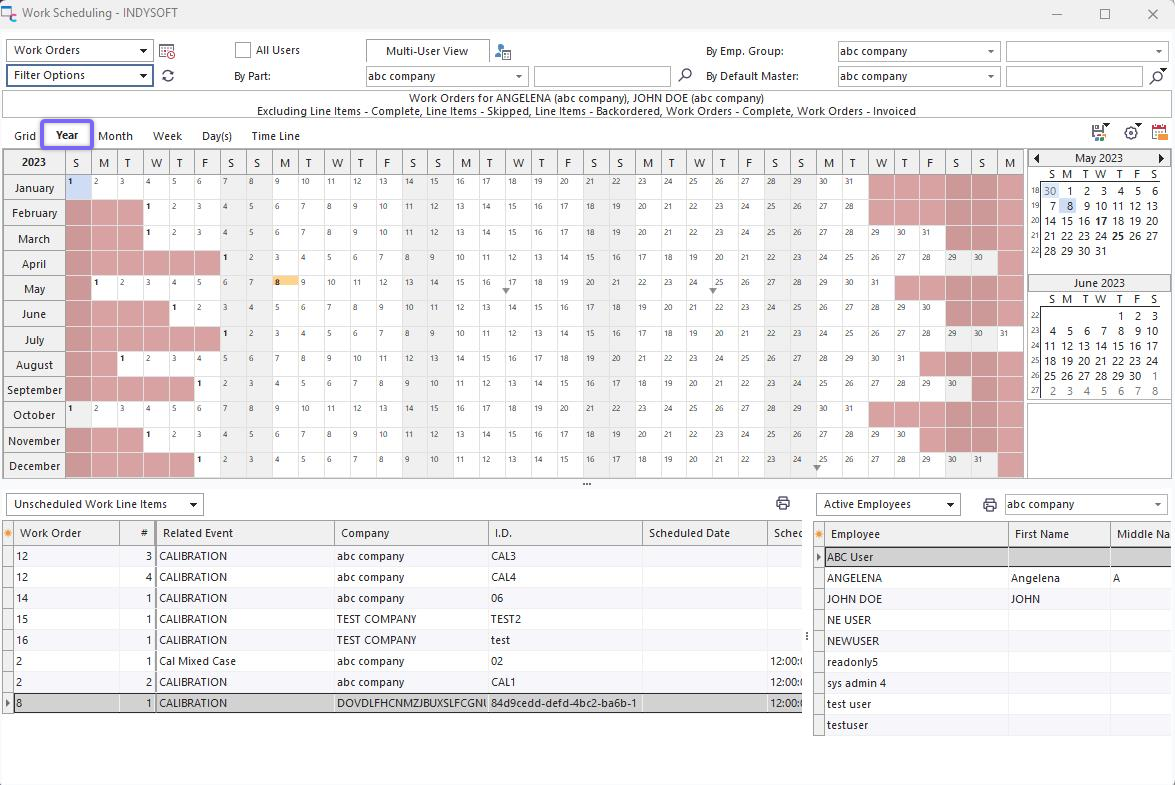
Work Scheduling Module - Year View
This view is used to quickly review an entire year for the currently filtered calendar. All 12 months are shown, with boxes for each day of each month. Any dates with scheduled items (at least one) will have a  symbol. Click on this symbol to quickly move to this date and review scheduled items. If space allows (year view is very large) then scheduled items will be shown - just as in Month View or Week View.
Right-click options:
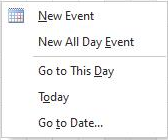
Year View - Right Click Options
Several options are available for Month view - as set up in the menu above the scheduler:
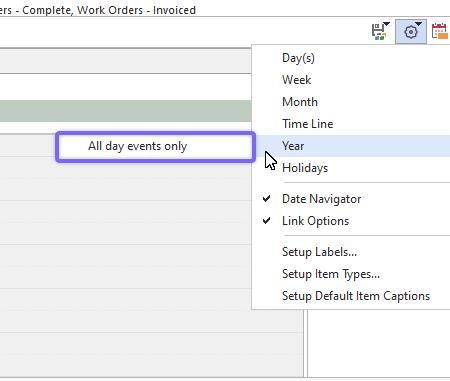
Year View Options
All-day events only: Only 'All Day Event' items are shown in Year View |