Workflow Configuration - Event Name
Configuration Wizard - Event Name (Step 1 of 22)
The Event Name screen is used to set the basic appearance of the Event in IndySoft's Events menu.
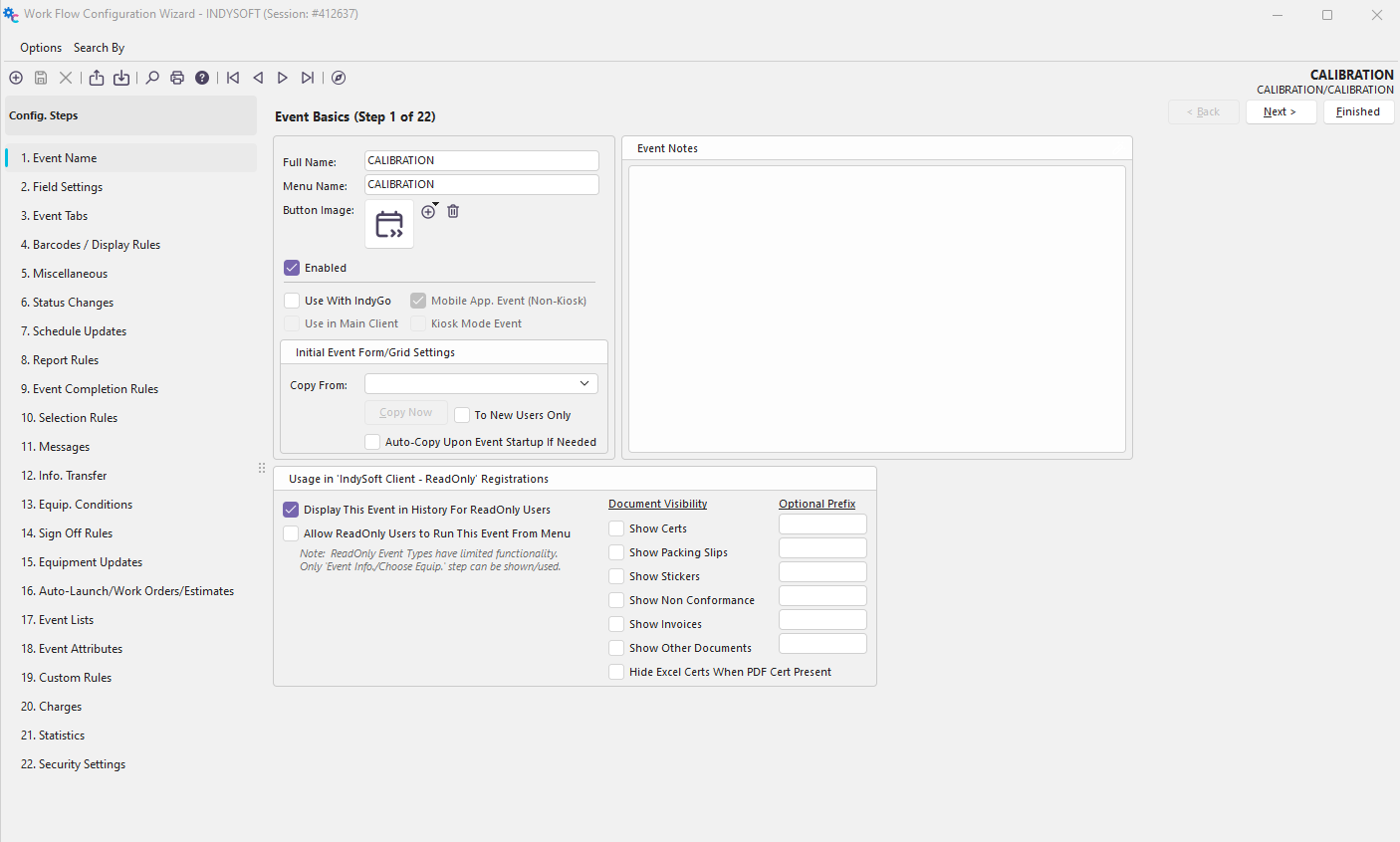
Configuration Wizard - Step 1 of 22 - Event Name
Event Basics Panel
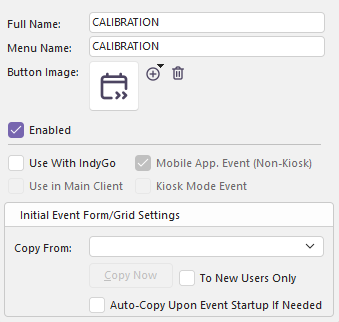
Event Basics Panel
Full Name
This appears when an event is being run. It is also displayed to the left of the slash in the upper-right corner of all Event Configuration screens.
Menu Name
This is the name that will appear within the Events Menu.
Button Image
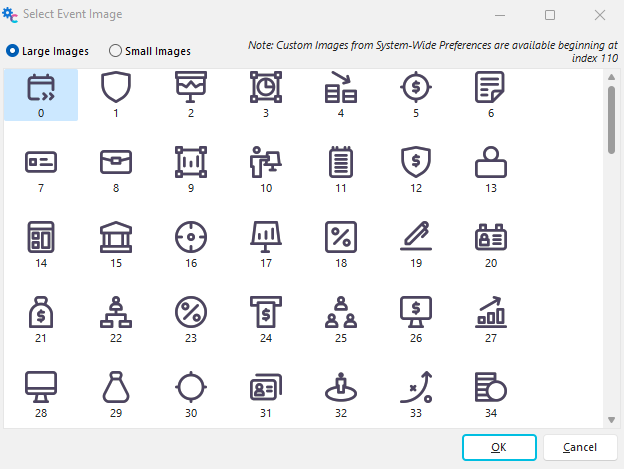
Each Event can be assigned a new button image by clicking the  button and selecting the new image. The image can be deleted by using the
  button.

IndySoft includes 109 button icon images for your use. You can assign up to 10 custom images in the system, which can also be used as event images.
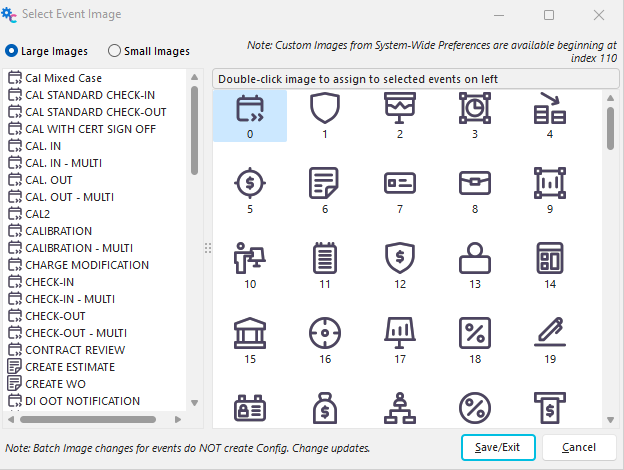
You can also now assign button images in batch:
Enabled
This controls whether or not the Event is visible to all users (checked or unchecked).
Initial Event Form/Grid Settings
Use this option to clone the event settings for form size, form position, resizer panel positions, and user-based grid settings from one user to all others. Select the user name and press 'Copy Now.' This one-time copy is helpful after running the Event and saving the settings as preferred. Be sure to close the main screen after running the Event to save your preferences to the database (before pressing 'Copy Now'). If you want your settings to be cloned to new users (that do not already have their preferences saved into the database), select 'To New Users Only' before pressing 'Copy Now.' Note that new users will automatically receive a clone of the settings for the user specified in 'Copy From' (if any) the first time they run the Event. Leave this 'Copy From' value blank if you would NOT like any initial settings copied for new users.

Initial Event Form/Grid Settings Panel
Usage in 'IndySoft Client - ReadOnly' Registrations
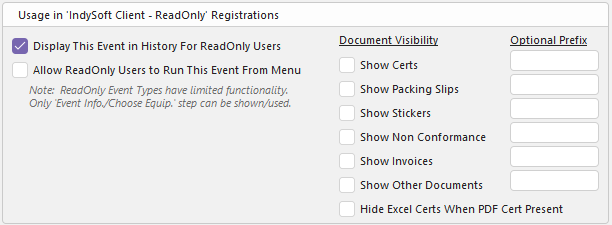
Usage in 'IndySoft Client - ReadOnly' Panel
Display This Event in History for ReadOnly Users
Check this box if you want to display the Event to ReadOnly users.
Allow ReadOnly Users to Run This Event From the Menu
Check this box to allow ReadOnly users to access and run the Event. Note: ReadOnly Event Types have limited functionality. Only the 'Event Info./Choose Equip.' step can be shown/used.
Document Visibility
Use this section to show/hide certain documents to ReadOnly users. You can also add an optional prefix to such documents.
Event Notes
IndySoft can now add event notes on the configuration level for internal admin usage.

Event Note Panel |